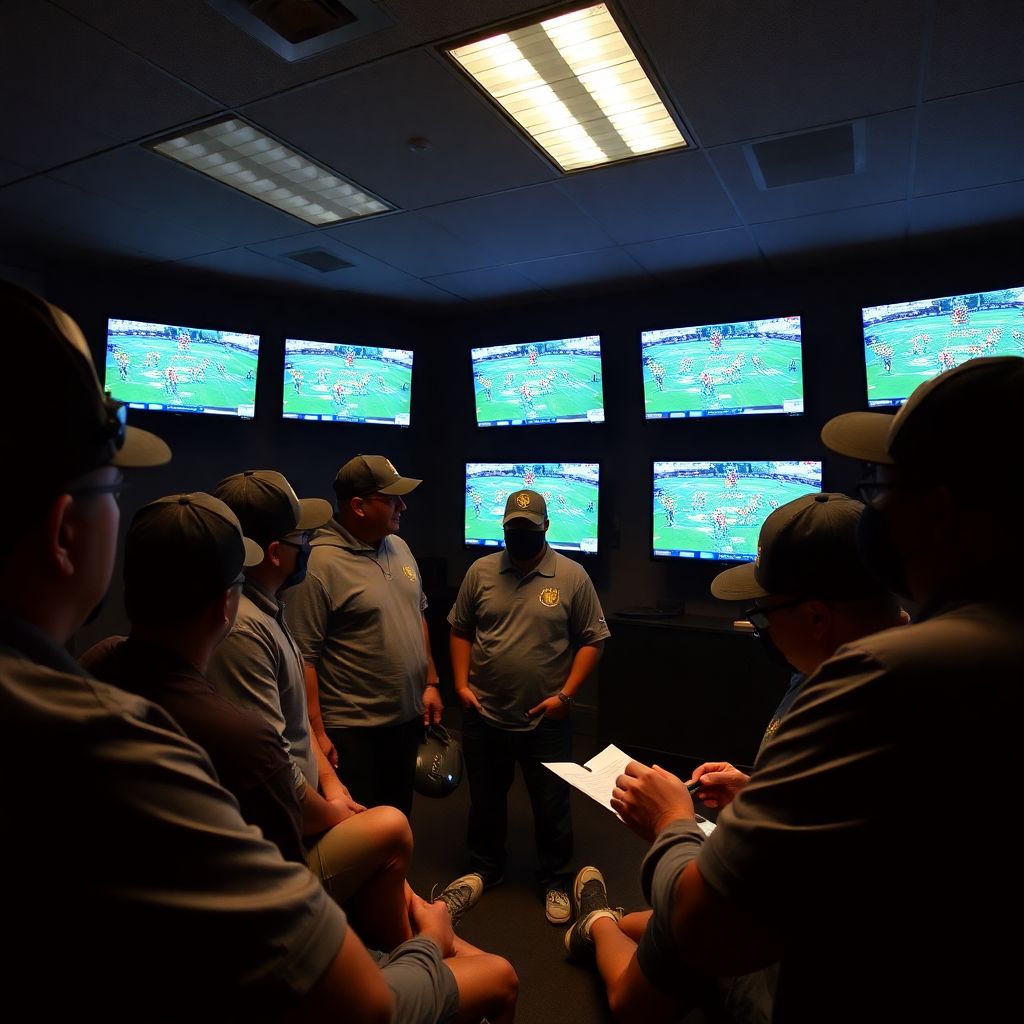
Coaches use game tape to turn raw video into concrete calls, practice plans, and player coaching points. The process is systematic: prepare and tag film, run layered viewings, log tendencies, translate patterns into adjustments and scripts, then teach it back to the team with clear visuals, cut‑ups, and feedback loops.
Core Insights from the Film Room
- Film only wins games when observations are translated into specific calls, scripts, and practice drills.
- Consistent tagging and indexing matter more than which football game film analysis software you buy.
- Layered viewings (big picture, situation, position, detail) prevent overload and missed tendencies.
- Every note should connect to a concrete adjustment: call change, rule tweak, or teaching point.
- Short, focused cut‑ups beat long, unfocused reels for teaching and accountability.
- Simple templates and repeatable workflows make coaching staffs faster and more aligned.
Preparing Your Tape: Tools, Formats and Indexing
This workflow fits head coaches, coordinators, and position coaches who already use film weekly and want a cleaner system to turn tape into game plans. It is less useful if you have almost no practice or game film, no time for review, or no ability to adjust schemes between games.
- Decide on your main platform
Pick where film will live for the whole staff and players. This can be:- A cloud platform built into football game film analysis software.
- A general cloud drive (e.g., folder structure by season > week > opponent).
- An external hard drive with a mirrored backup in the cloud.
- Standardize formats and naming
Keep files simple and predictable.- Use common formats (e.g., MP4) that play on all staff devices.
- Name files consistently: Year_Week_Opponent_Vantage_Type (e.g., 2026_W3_CentralHS_Endzone_Offense).
- Separate offense, defense, and special teams into distinct files when possible.
- Build a basic indexing structure
Create an indexing language your staff can use across any coaching video analysis tools for sports teams.- Core tags: down & distance, hash, field zone, personnel, formation, motion, coverage/front, result.
- Mark explosive plays, critical downs, red zone, two‑minute, and short yardage.
- Decide abbreviations once (“11P”, “Trips RT”, “Cover3 Buzz”) and write them down.
- Assign roles and deadlines
Clarify who tags what and by when after each game.- Example split: DC tags fronts/pressures, DB coach tags coverages, LB coach tags down/distance & backfield sets.
- Set a hard cutoff (e.g., all tagging done by Sunday noon).
- Create starter cut‑up templates
Use your best sports performance analysis software for coaches or manual playlists to pre‑build views you use every week:- All 1st & 10, all 3rd & medium, all red‑zone runs, all pressures vs Trips, all screens, etc.
- Save these as reusable filters so every opponent week feels familiar.
Systematic Film Breakdown: A Layered Viewing Process
Before you dive into breakdown, make sure you have a minimal toolkit and clear access across the staff.
- Core tools you will need
- A stable film host: either dedicated tactical analysis software for football coaches or a well‑organized cloud drive.
- Tagging capability: built‑in tags, spreadsheets, or timeline markers with timecodes.
- Shared notes: team notebook, shared doc, or platform comments for staff collaboration.
- Recommended hardware setup
- One main screen for video, one secondary screen (or tablet) for notes and call sheets.
- Headphones for detailed audio review (cadence, checks, communication).
- Reliable internet if you are using cloud‑based coaching video analysis tools for sports teams.
- Core film sources
- Previous games vs that opponent (most recent first).
- Common opponents whose schemes resemble yours.
- Your own last 1-2 games to see what they will likely attack.
- Define the viewing layers
- Layer 1: global view – tempo, style, personnel usage, overall identity.
- Layer 2: situation – first down, 3rd down, red zone, backed up, two‑minute.
- Layer 3: unit/position – OL/box, perimeter, QB, coverage shell, return units.
- Layer 4: micro – specific techniques, checks, tells, and one‑off wrinkles.
- Agree on outputs before you start
- Offense: top run/pass concepts, favorite formations, key motions, shot calls.
- Defense: base fronts/coverages, pressure menu, simulated pressures, checks.
- Special teams: core schemes, fakes, onside looks, weak spots in protection.
Pattern Recognition: Identifying Tendencies, Strengths and Weaknesses
- Scan for identity in a first fast pass
Watch one full game at near‑real speed without pausing much. Capture only big‑picture impressions:- Preferred tempo (huddle/no‑huddle), core formations, and signature calls.
- How they want to win: explosive passes, downhill run game, option, pressure defense, bend‑but‑don't‑break, etc.
- Sort by situation and down‑and‑distance
Use your platform or manual tagging to filter by situations.- Build cut‑ups for: all 1st & 10, all 2nd & long, 3rd & short/medium/long, red zone, goal line, backed up, and two‑minute.
- On paper or in a sheet, list what they call most often in each bucket.
- Track formations, personnel, and motions
Re‑watch each situation cut‑up and log structure details.- For offense: personnel group, formation strength, motion/shift, backfield set, and ball location.
- For defense: front, box count, coverage shell, pressure vs non‑pressure, and safety alignment.
- Note any "automatic" tendencies (e.g., Trips into boundary = shot, 12 personnel = boot).
- Identify matchups and weak links
Look for players or position groups opponents consistently attack.- Check if offenses pick on a specific corner, backer in coverage, or safety in space.
- See whether defensive fronts or blitzes target a particular lineman or protection rule.
- Log which matchups you can realistically exploit with your own personnel.
- Spot tells, checks, and communication patterns
Slow down pre‑snap and between‑snap sequences.- QB cadence, hand signals, sideline signals, and how defense checks when offense shifts.
- DL stances, safety depth changes, or WR splits that correlate with run/pass or concept.
- Record these as "alert" notes: what you can teach players to see in real time.
- Condense into simple, actionable summaries
Turn long notes into one‑page tendency sheets.- Offense example: "In 11P Trips, 70% pass, heavy RPO; in 12P condensed, heavy wide zone & boot."
- Defense example: "On 3rd & long, double A‑gap mug with Cover 1 behind; will drop out vs empty."
- Highlight 3-5 top tendencies you will actively game‑plan to attack or defend.
Fast‑Track Mode: Compressed Pattern ID Workflow
- Watch one recent game quickly and write 5-7 bullet points on opponent identity.
- Filter to 3rd downs and red zone only; log their top two calls in each situation.
- Circle obvious weak links or mismatches you can exploit with your best players.
- Write a one‑page summary: "When they do X, we will respond with Y."
Turning Observations into Strategy: Designing Adjustments and Scripts
Use this checklist to turn what you saw on film into concrete strategy before you leave the room.
- For every major opponent tendency you logged, write at least one specific call or adjustment that answers it.
- Confirm that your opening script (offense or defense) directly tests 2-3 of their core rules or weak spots.
- Ensure your plan includes at least one "answer" versus each primary look they show (front/coverage or formation/motion).
- Double‑check that every pressure or shot play you add fits your existing rules; avoid "one‑off" calls that confuse players.
- Tag practice scripts and cut‑ups in your football game film analysis software so players will later see the same looks.
- Write red‑zone, short‑yardage, and two‑minute mini‑plans based on film, not just base offense/defense.
- Translate all staff language into 3-5 simple teaching phrases per position group for meetings.
- Remove any call from the game plan that you cannot rep sufficiently in practice during the week.
- Prepare a small "wrinkle" package that stresses a known rule or coverage without overhauling your system.
Opponent-Centric Planning: Crafting Game Plans for Specific Matchups
Common mistakes that blunt the impact of even the best sports performance analysis software for coaches and manual breakdown work:
- Copy‑pasting last week's plan without fully re‑checking opponent tendencies and personnel changes.
- Overbuilding the call sheet with too many "good ideas" and not enough core answers everyone can execute.
- Chasing low‑frequency tendencies while ignoring what the opponent actually majors in week after week.
- Designing schemes that require perfect execution from your weakest players instead of leveraging your best matchups.
- Ignoring special teams despite film clearly showing edges in protection, coverage lanes, or return game alignments.
- Relying only on automated reports from tactical analysis software for football coaches without watching the context of each play.
- Failing to stress‑test the plan on the whiteboard vs common opponent adjustments and in no‑huddle/two‑minute scenarios.
- Not coordinating across offense, defense, and special teams on field position, clock, and aggression levels.
- Waiting too long in the week to adjust the plan based on new film or injury information.
Teaching with Tape: Briefing, Feedback Loops and Accountability
Film study is only as valuable as what players actually absorb. When time, tools, or staff size are limited, consider these alternatives or complements.
- Curated cut‑ups instead of full‑game reviews
Use your coaching video analysis tools for sports teams to pull 10-20 plays that best represent opponent tendencies or your own corrections.- Ideal when meeting time is short or players are easily overloaded.
- Focus on "here is the picture, here is our rule, here is what we will do this week."
- Third‑party breakdown and reports
Leverage sports video breakdown services for teams when staff time is tight or you play multiple games per week.- Outsource baseline tagging (personnel, formation, front, coverage) while you focus on higher‑level strategy.
- Always spot‑check their work; use it as a starting point, not the final word.
- Player‑led position or unit meetings
Have veterans or captains present film segments.- Great when you want buy‑in and shared ownership of the game plan.
- Give them a simple template: "What do we see? What is our rule? How will we respond?"
- On‑field "film" via scripts and walk‑throughs
Recreate key opponent looks live during practice.- Useful if facilities or bandwidth make video access difficult for players.
- Pair simple sideline diagrams or laminated cards with the most important pictures from film.
Quick Answers to Common Film-Study Challenges
How much time should a staff spend on film each week?
There is no fixed number, but aim for enough time to complete your tagging, run at least one layered viewing, and produce clear one‑page summaries. If film work starts to crowd out practice planning and player teaching, simplify your workflow rather than adding more hours.
What if our team cannot afford premium film software?
You can still build an effective process using shared drives, spreadsheets, and basic video players. Standardize naming, tagging, and cut‑up templates, then add football game film analysis software later when budget allows. Process and communication matter more than advanced features.
How do we keep players engaged during film meetings?
Keep clips short and focused, call on players to explain what they see, and connect every clip to a clear rule or adjustment. Use cut‑ups built from coaching video analysis tools for sports teams to show repeated pictures instead of random big plays.
How can small staffs handle detailed breakdowns?
Limit your focus to the most recent games, core situations, and top opponent concepts. Consider using sports video breakdown services for teams for baseline tagging, then spend your time on pattern recognition, scripting, and teaching instead of raw data entry.
How do we avoid overloading players with information?
Cap each position group's weekly emphasis to a handful of key rules and alerts. Convert long staff notes into simple, repeatable phrases, and reinforce them in practice. Use your best sports performance analysis software for coaches to push only the most relevant clips to each group.
What is the best way to share film-based game plans with staff?
Centralize everything in one platform or folder per opponent: cut‑ups, call sheets, and one‑page summaries. Tag or name files clearly so assistants can find what they need quickly, whether they access them through tactical analysis software for football coaches or a standard cloud drive.