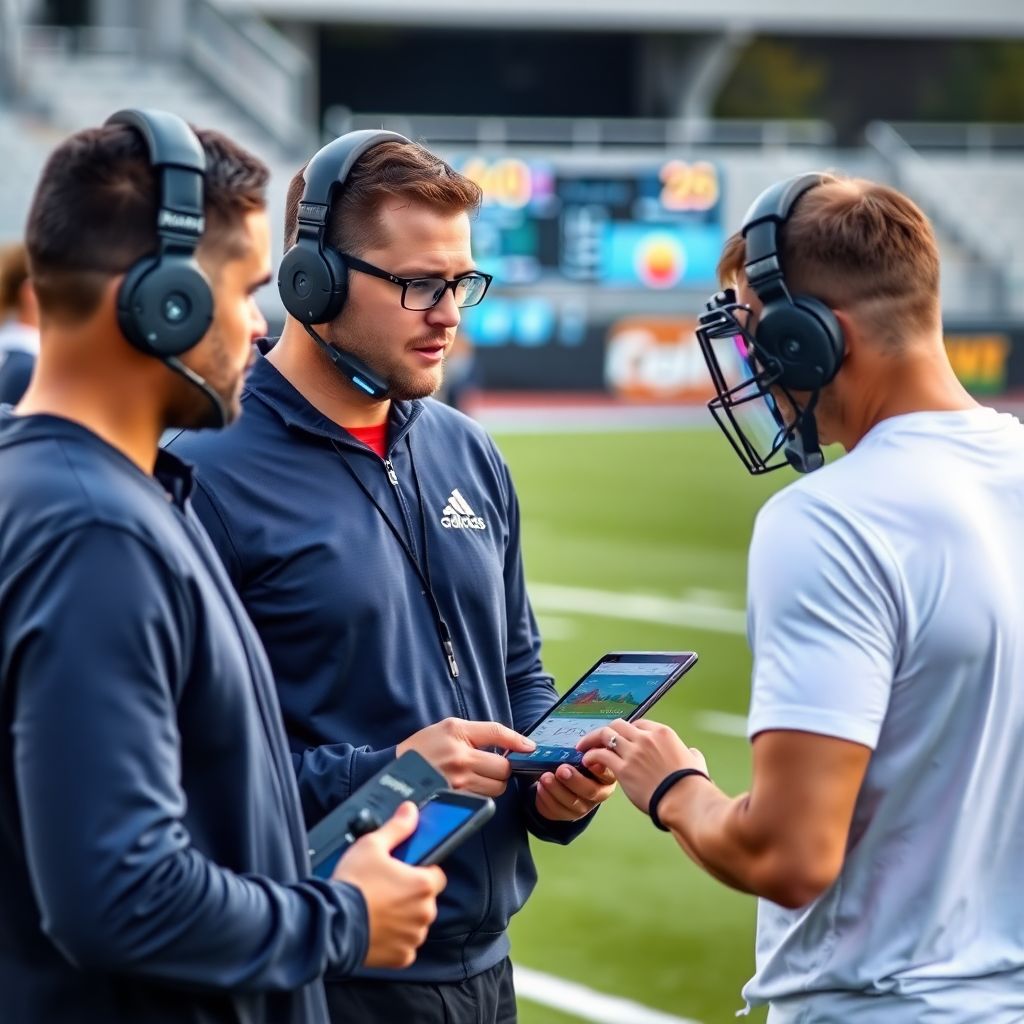
Sideline tech uses wearable technology for athletes plus sports performance analytics tools to make game preparation more precise, safer, and more repeatable. Start by standardizing how you collect data in practices, then build simple dashboards to guide minutes, matchups, and intensity. Focus on clear thresholds, staff workflows, and athlete education, not just gadgets.
Sideline Snapshot: Core Insights for Coaches
- Standardize when and how you collect data so baselines and game-day readings are comparable and actionable.
- Use a small, stable stack of player performance monitoring wearables and sports data analytics software for coaches instead of constantly changing tools.
- Translate biometrics into 3-5 clear sideline rules about minutes, matchups, and intensity.
- Design practice around measurable workloads so you can taper, peak, and recover in a predictable way.
- Start real-time use with a single decision area (e.g., rotations) before layering in more complex analytics.
- Regularly review what coaches actually used on game day and prune any metrics that never drive decisions.
Integrating Wearables into Pre-Game Routines
Pre-game integration of wearables works best for organized teams with at least one staff member comfortable with basic data dashboards. It is less suitable for environments with limited supervision, inconsistent attendance, or athletes who cannot reliably follow simple device handling and charging instructions.
When sideline tech is a strong fit
- Staff capacity exists – At least one coach or analyst can:
- Check device status (battery, firmware) before sessions.
- Sync data consistently to your main platform.
- Explain simple thresholds to athletes.
- Athletes already follow routines – They arrive on time, follow warm-up plans, and can reliably wear and return devices.
- Clear use cases are defined – For example:
- Validating warm-up intensity.
- Monitoring pre-game load for players returning from injury.
- Checking readiness markers for starters vs. bench.
When you should not push heavy pre-game data use
- Games with limited staff, where managing player performance monitoring wearables would distract from safety or tactical setup.
- Younger age groups where fitting, cleaning, and tracking devices reliably is unrealistic.
- Facilities with poor connectivity where data will not sync until long after the game.
- Situations with medical concerns but no qualified professional to interpret biometrics.
Simple pre-game workflow using wearables
- Assign devices consistently – One device ID per athlete; avoid swapping mid-season.
- Run a 2-3 minute “systems check” – Jog and basic movements while you confirm signal quality and pairing.
- Validate warm-up load – Compare live load/heart rate to each athlete’s normal pre-game range.
- Flag exceptions – Any athlete far above or below baseline is briefly checked by staff for context (sleep, soreness, illness).
Comparing pre-game integration options
| Approach | Typical Tools | Pros | Limitations |
|---|---|---|---|
| Full-team wearables | GPS/IMU vests, heart-rate straps | Rich workload data; great for best athlete tracking systems for teams | Higher cost; more setup and charging discipline required |
| Readiness-only | Short HRV/heart-rate tests | Fast, simple decision input (ready / monitor / restrict) | Less detail on movement and positional demands |
| Spot checks | Small pool of loaner wearables | Low cost; focus on return-to-play or high-risk roles | Limited comparability across the full roster |
Designing Analytics-Driven Practice Sessions
To use analytics in practice design, combine sports performance analytics tools with clear objectives. Decide which game problems you want to solve, what data you will capture, and how you will adjust sessions based on that data before you step on the field or court.
Core requirements and tools
- Data capture layer
- Player tracking: GPS/IMU, optical systems, or indoor positioning tags.
- Biometrics: heart-rate sensors, basic readiness tests, simple RPE forms.
- Context: timestamps, drill names, player groups, and positions.
- Processing and storage
- A central database or cloud platform that ingests wearable feeds.
- APIs or import tools to merge tracking, biometrics, and session logs.
- Basic data quality rules (no negative distances, missing IDs, etc.).
- Sports data analytics software for coaches
- Dashboards that show time-in-drill, high-intensity actions, and exertion per player.
- Simple filters by position, unit, or drill type.
- Export options to share reports with staff and medical teams.
- Planning templates
- Practice plan sheets that include target workloads for each drill.
- Columns for “expected load” and “actual load” for later comparison.
- Space to record adjustments made in real time.
Example practice analytics template
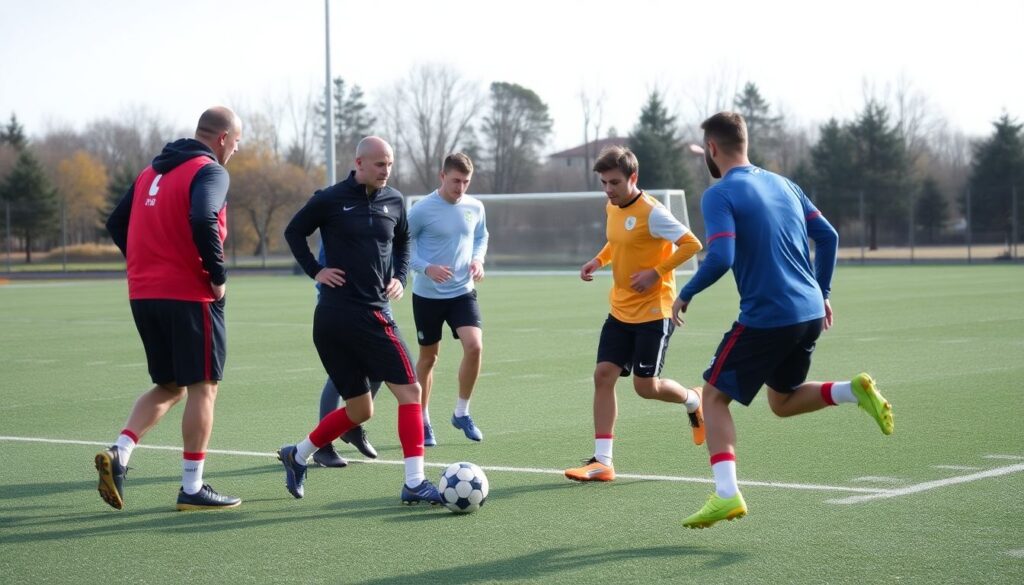
| Drill | Objective | Target Metrics | Data Source | Adjustment Rule |
|---|---|---|---|---|
| Small-sided game | High-intensity actions | Distance in high-speed zone; accelerations | Wearable tracking, IMU | If load > planned, shorten final block |
| Walk-through | Tactical clarity | Time-on-task; error count | Coach tagging app, video | If errors stay high, shift reps from new plays to core sets |
Minimal tech stack starter kit
- One reliable wearable technology for athletes platform used consistently for at least one season.
- A simple web dashboard that summarizes workloads per drill and per player.
- A spreadsheet or lightweight database linking practice plans to observed data.
- Clear naming conventions so drills in your plan match drills in your data feeds.
Real-Time Sideline Decision Workflows
Real-time workflows turn streams from best athlete tracking systems for teams into clear sideline actions. Start with one or two decisions you care about most (e.g., rotation, pressing, tempo) and build step-by-step protocols that are easy to follow even under pressure.
Step-by-step sideline workflow
- Define the sideline questions you will answer – Examples include:
- Who needs a substitution in the next break?
- Is our tempo too high or too low relative to our game plan?
- Is a returning player staying within their medical limits?
- Map data sources to each question – For every question, identify:
- Primary metric (e.g., recent workload index, heart-rate range).
- Supporting context (e.g., foul count, matchups, tactical plan).
- Refresh rate (live, every timeout, every quarter).
- Create a simple sideline dashboard – One screen that shows:
- Roster list with a traffic-light status next to each player.
- Basic charts for team tempo and intensity over recent intervals.
- A note field for tactical tags (press, zone, man, etc.).
- Assign roles and communication channels – Decide:
- Who watches the dashboard (analyst, assistant coach).
- How they communicate (verbal cues, headset, paper notes).
- When they are allowed to interrupt the head coach.
- Implement clear threshold rules – For each key metric, define:
- Normal band (no action).
- Caution band (monitor, consider substitution).
- Action band (mandatory substitution or tactical shift).
- Log every recommendation and decision – During the game:
- Record time, player, metric that triggered the alert.
- Whether the coach accepted or rejected the recommendation.
- Any short explanation if overruled (matchup, game flow, etc.).
- Review the workflow post-game – Identify:
- Metrics that consistently triggered good decisions.
- Alerts that were noisy or ignored under pressure.
- Places where the process slowed communication.
Быстрый режим: condensed sideline workflow
- Before the game, agree on three questions analytics will answer (e.g., subs, tempo, return-to-play).
- Set simple green / yellow / red rules for each question.
- Appoint one person to watch the data and speak up only at predefined stoppages.
- After the game, note two metrics to keep and one to drop for the next match.
Example lightweight data snippet
A simple JSON packet from your live feed might look like:
{
  "player_id": 14,
  "interval_sec": 60,
  "load_index": 7.8,
  "hr_zone": "high",
  "tag": "pressing_phase"
}
Design your dashboard to translate this into a status color plus a short note so coaches never have to parse numbers mid-game.
Interpreting Biometrics: From Data to Action
Biometric data becomes useful when it is turned into a small set of consistent rules. Use this checklist to confirm that your interpretation processes are safe, understandable, and directly linked to coaching actions.
Sideline biometrics interpretation checklist
- Each biometric you track has a clearly defined purpose (e.g., detect fatigue, manage return-to-play, monitor heat stress).
- Baseline values are established during low-stress periods, not solely during high-stakes games.
- Threshold bands for each metric are documented and shared with both coaches and medical staff.
- Coaches understand that biometrics support, but never replace, clinical judgment and athlete self-report.
- Any alert from wearables is cross-checked with visible signs (movement quality, communication, posture) before acting.
- Athletes know the meaning of alerts and the actions that will follow (e.g., brief check, hydration, substitution).
- Data used for performance is kept separate from medical records where required by policy or law.
- All decisions based on biometrics are logged for later review to refine thresholds and processes.
- Device placement, fit, and calibration are checked regularly so readings remain consistent across sessions.
- Staff are trained on what biometrics cannot tell them, reducing the risk of overconfidence in a single number.
Building a Tech Stack: Hardware, Software and APIs
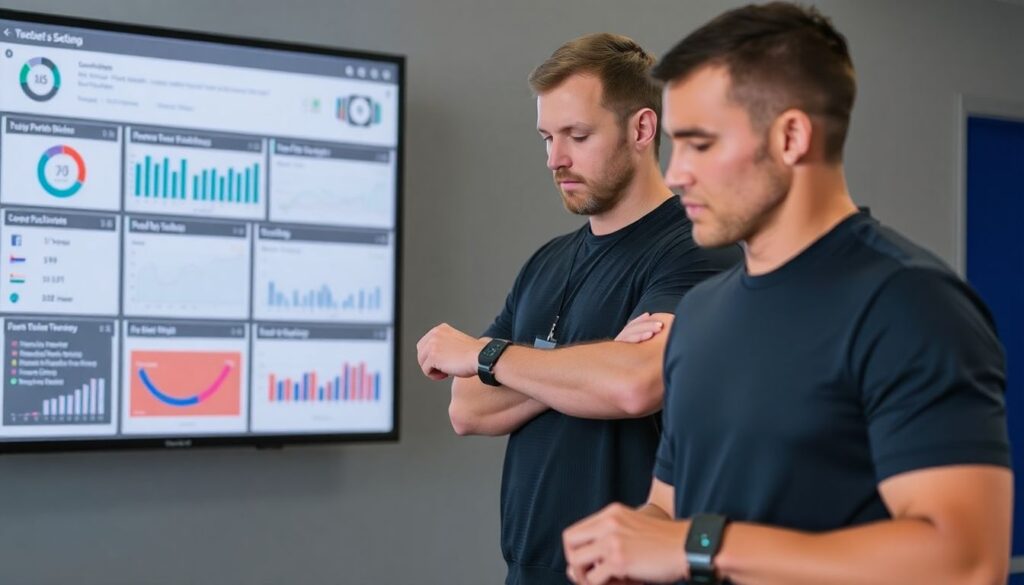
Choosing hardware, software, and integration paths is easier when you plan around workflows, not brand names. The goal is a small, resilient stack that connects your player performance monitoring wearables to dashboards your staff actually use.
Common pitfalls when building your stack
- Adding too many disconnected tools, making it hard to reconcile data across platforms and sessions.
- Ignoring how data will be exported or accessed via APIs, which later blocks custom dashboards or analysis.
- Underestimating the daily work of charging, cleaning, and assigning devices before each practice or game.
- Relying on unstable network connections for live workflows without testing offline or delayed-sync modes.
- Skipping staff training, which leads to inconsistent device use and gaps in records.
- Building dashboards too complex to interpret quickly during timeouts or substitution windows.
- Failing to plan for user permissions and privacy, especially with medical or sensitive data fields.
- Assuming one-size-fits-all thresholds across positions, ages, and roles instead of allowing flexible settings.
- Not aligning tech investments with the actual competitive schedule and volume of games.
- Neglecting hardware durability and replacement planning for high-contact sports.
Comparing core stack components
| Layer | Example Role | Selection Focus | Risks if Mishandled |
|---|---|---|---|
| Wearables | Capture movement, heart rate, impacts | Fit, comfort, battery life, sport suitability | Inconsistent data, athlete non-compliance |
| Analytics platform | Sports performance analytics tools and dashboards | Ease of use, export options, support | Data locked in, low adoption by coaches |
| Integration/API layer | Connects wearables, video, scouting data | Stable endpoints, documentation, security | Integration failures, unreliable workflows |
Quick troubleshooting checklist
- If data looks wrong, first check device placement, battery level, and time synchronization.
- If dashboards fail mid-game, fall back to predefined manual rules based on how players feel and look.
- If only some players show up in reports, verify consistent device assignment and roster mappings.
- If latency is too high, reduce live metrics to essentials and push deeper analytics to post-game.
Measuring Impact: KPIs, A/B Tests and Post-Game Review
Once your sideline tech is in place, you need to determine whether it improves outcomes. Start with a small set of KPIs and simple A/B comparisons between games or training blocks that used analytics workflows and those that did not.
Primary evaluation dimensions
- Player availability and freshness across the season.
- Quality and timing of substitutions or tactical shifts.
- Match between planned and actual workloads in practice and games.
- Adoption of analytics recommendations by coaches during high-pressure moments.
Alternative approaches when full A/B testing is not realistic
- Sequential rollouts – Introduce one new workflow (e.g., rotation guidance) for a defined set of games, then compare performance, injury patterns, and subjective staff ratings before and after.
- Unit-based comparisons – Apply analytics-heavy monitoring to one unit (e.g., starting lineup) while another unit follows usual routines, then compare trends in workload, execution, and availability.
- Scenario tagging – Tag situations (e.g., late-game leads) where analytics-informed decisions were made, and later review video plus data to judge whether those choices supported your objectives.
- Process adherence scoring – Instead of focusing only on outcomes, track how often staff followed the intended workflow and whether decision quality subjectively improved.
Closing the loop with coaches and athletes
- Share clear, visual summaries showing where analytics aided decisions and where they were ignored.
- Use feedback from staff to remove low-value metrics and simplify displays.
- Highlight specific games where using or ignoring data clearly changed the result or health of players.
Operational Clarifications for Sideline Tech
How do I choose which metrics to focus on during games?
Select no more than a handful of metrics that directly answer game-day questions, such as rotation timing or tempo control. Anything that does not clearly change a sideline decision should be moved to post-game analysis.
Can I run effective workflows without constant live connectivity?
Yes. You can work with short sync bursts during breaks or at halftime. Design workflows that tolerate a delay of several minutes and keep mission-critical safety checks as simple, local device readings.
How do I introduce wearables to athletes without overwhelming them?
Start with a small pilot group and explain exactly how data will be used to support, not punish, players. Keep early routines brief and consistent, and make comfort adjustments quickly based on athlete feedback.
What if different platforms report similar metrics with different names?
Build a simple translation table that defines each metric, its units, and the source. Use consistent internal names on your practice plans and dashboards, regardless of how vendors label them.
How often should I adjust thresholds like workload or heart-rate bands?
Review thresholds periodically, such as monthly or between competition phases, using both data trends and staff experience. Avoid changing rules mid-competition phase unless there is a clear safety or reliability concern.
Is it necessary to integrate video with tracking data from day one?
No. You can begin with basic tracking and biometric dashboards alone. Add video integration later once your staff is comfortable with current workflows and has clear questions that video-data alignment will answer.
What is a safe way to test new sideline analytics workflows?
Trial them first in low-stakes games or controlled scrimmages. Run the new workflow in parallel with your usual decision process, then compare recommendations before fully committing to the new method.
Комментарии